

Ask for the work. Get the record.
Estimate, attach, review and release without moving between dashboards. Quotes, tasks and company context remain available to the same conversation.
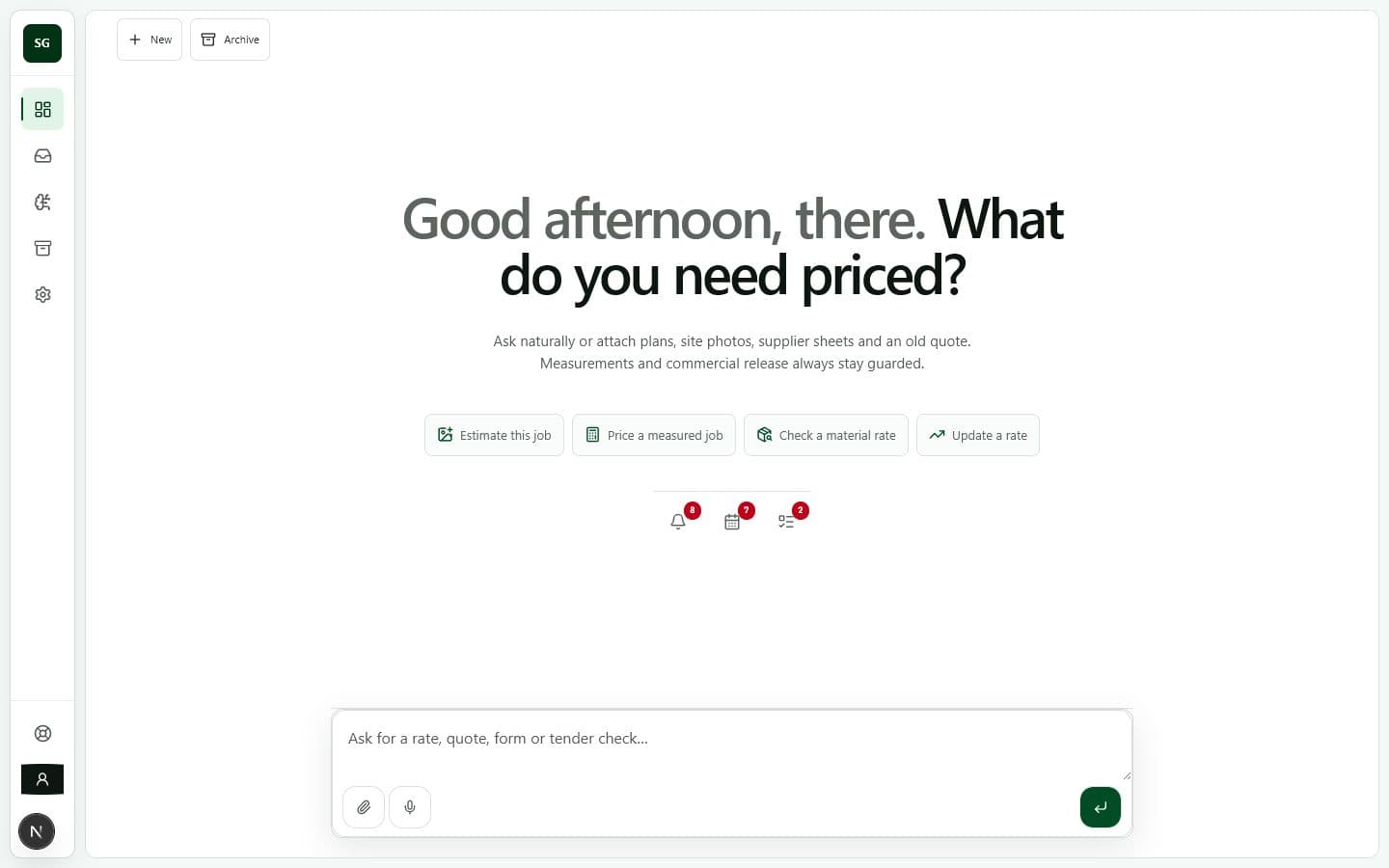
One guarded agent that learns the company’s rates, documents and past quotes—then prepares the work without taking commercial control away from the owner.
Estimate, attach, review and release without moving between dashboards. Quotes, tasks and company context remain available to the same conversation.
Siteglass identifies new work, retains the customer message and files, then matches the company's quote design and commercial evidence before preparing an editable draft.
Previous work is evidence. Current supplier, labour and Xero records revise the estimate before an owner releases it.
Each connection is optional. Read, draft and send remain separate permissions, checked immediately before Siteglass acts outside the workspace.
 Gmail
Gmail Google Drive
 Outlook
 Xero
Xero ClickSend
Siteglass keeps the original estimate, approval and real financial outcome on one company-owned job record. Only confirmed outcomes can revise future estimating evidence.
A ready-to-review quote summary: scope, evidence, commercial total and the next decision.
Sample interface only—fictional jobs and illustrative values, not customer work or pricing guidance.
Example customer · SG-DEMO-014
Example project · SG-DEMO-015
Example customer · SG-DEMO-016
Incoming work becomes an approved action. Approved action becomes physical work. Actual labour, materials, variations and Xero costs return to improve the next estimate.
Connect only the systems the company already uses.
GmailGoogle DriveMicrosoft OutlookXeroClickSendSiteglass does not publish invented time-saving claims. Enter the company’s real quoting volume and handling time to see the administration the workflow is designed to reduce.
This is your input multiplied across a 52-week year. It is not a promised saving; it shows the workflow volume Siteglass is designed to reduce.
Connect the company mailboxes once. Siteglass learns the issued quote formats and real commercial evidence, then keeps new work ready for a quick review without asking the team to rebuild its process.
Start company setup